Convert Bulk WebP to JPG Online for Free
Batch convert WebP to JPG directly online in your browser.
The method of image delivery on the modern web has undergone a revolution in the last decade, and WebP is at the heart of it all. It was developed by Google as a replacement for both JPEG and PNG images, offering better compression ratios in much smaller file sizes without compromising on quality. It has been widely accepted by web developers and owners of platforms because of the improved user experience it provides, as it directly impacts the search engine rankings of the website. However, the same aspect of the photo that has made it so popular among web developers has also led to a problem for the user. Many applications, platforms, and software that the user interacts with do not support the WebP image format.
What Is the WebP Image Format?
WebP is a new image file type that was designed specifically to address one of the biggest performance bottlenecks on the web: the file size of images. The web has traditionally been dominated by the JPEG file type for photographs and the PNG file type for photos that need to have transparency. Both of those file types have been around for a long time and have served the web well, but neither of them was designed to meet the needs of the modern screen, where the resolution of photos is much higher than it was when those file types were invented, and where the expectations for fast page loads are higher than ever before. The team of engineers at Google designed a new compression algorithm that was derived from the VP8 video compression algorithm, which allowed them to offer both lossy and lossless compression of pictures.
It can be said that a WebP file is 25 to 35 percent smaller than that of a similar JPEG file at roughly the same level of quality and 26 percent smaller than that of a similar PNG file. It also has alpha channel transparency like PNG and animation like GIF. All these features have made it popular not only with Google but also with other e-commerce sites, social media sites, news media outlets, and content delivery sites all over the world. All browsers like Chrome, Firefox, Edge, and Safari have native support for displaying photos in WebP format in the browsers themselves. However, though it has gained popularity in browsers, it has still not gained universal acceptance in all other applications and software available in the world, making it necessary to convert WebP to JPG in a very high volume each day.
What Is the JPG Format?
JPG, or JPEG, stands for Joint Photographic Experts Group, which was the committee that standardized the format in 1992. Despite its age, JPG remains the single most widely supported image format in existence. It works with virtually all computer operating systems, picture editing software, email clients, mobile phones, document editing software, and printing services available worldwide. The reason why JPG has managed to endure so well in its dominance over image formats is due to its efficient compression algorithm and its ubiquity in all hardware manufacturers’ products worldwide. Every digital camera, smartphone, and scanner made in the last three decades or so has been capable of producing photos in JPG format by default. Photo printing services require pictures in JPG format. Business document templates require images in JPG format. Email attachments require photos in JPG format. Image storage archives require pictures in JPG format. The compression algorithm used in JPG works by breaking down photos into blocks of pixels and then throwing away detail that the human eye can least distinguish. While JPG does not support transparent backgrounds or lossless compression, such as WebP and PNG, such considerations are of little concern for the overwhelming majority of use cases for photographs.
Why You Need to Convert WebP to JPG?
Recognizing the need to convert a WebP picture to JPG in terms of when and why to do so can help one appreciate the importance and value of having a fast and free online conversion tool at one’s fingertips. The most common situation in which one would need to perform image conversion involves software incompatibility issues. Many high-end picture editing software, including older versions of Adobe Photoshop, CorelDRAW, Microsoft Office versions prior to 2019, and virtually all other legacy photo editing software packages, are incompatible with WebP pictures. If one were to download a product photo from an online store, a profile image from social media sites like Instagram or Facebook, or even a thumbnail picture from video streaming sites like YouTube or other similar sites, chances are that it would be in WebP format. Opening it in one’s favorite photo editing software would prompt an error message, but converting it to JPG would resolve the issue altogether.
Another major scenario is related to emails and cloud storage services. Many email clients don't properly render or display WebP files as attachments on older systems. Business professionals sending photo reports, marketing teams sending visual content to clients, and photographers sending photo proofs via emails can greatly benefit by attaching universally supported JPG files instead of WebP files. Cloud storage services and backup tools on older systems may not properly create thumbnails for WebP files, making it hard to navigate and organize photo collections. Printing is an area where JPG file support is critical.
How to Convert WebP to JPG Without Losing Quality?
The technical aspect of converting from WebP to JPG involves re-encoding, where the WebP image is decoded and re-encoded in the form of pixel data, and this pixel data is then re-encoded in JPG format. The re-encoding in JPG results in a certain degree of degradation in picture quality, and this degradation depends solely on the output quality setting during the conversion. For high output quality settings, i.e., above 85 out of 100, the difference between the original WebP picture and the converted JPG image will not be discernible to the naked eye for normal viewing purposes. The only time quality becomes a pressing issue is if you have set an inappropriately low level of compression or if the original WebP file was already heavily compressed before conversion. Our application uses a high level of quality in its output by default to ensure that the visual integrity of your photos is preserved while at the same time keeping file sizes in check. If you need to have lossless quality in your pictures, for instance, for archiving original artwork or for preparing source photos for high-end print production, you may need to consider saving your original pictures in an uncompressed format like TIFF before converting to JPG for distribution. For all other uses, our application produces photos in JPG format that are virtually indistinguishable from the original WebP image.
Batch Convert Multiple WebP Images to JPG
While individual image conversion is great, there are many instances where a user might want to convert a batch of WebP images into JPG format. E-commerce store managers, for instance, often find that every image in a set that has been downloaded from a supplier’s portal is in WebP format. Marketing professionals are often given asset libraries from web developers where all images are in WebP format, optimized for the web, and need to be converted for use in print materials and presentations. Social media managers might find that after downloading archived images from a social media platform like Facebook or Twitter, all the photos are in WebP format, and the image editing program that the user has installed is unable to read the format. In all these instances, while individual photo conversion might be inconvenient, it is completely impractical. Our webp to jpg batch converter has been created to solve this problem.
The user can select or drag and drop as many webp to jpg online converter is needed. This browser-based engine processes each file in parallel and uses the same high quality settings on each photo. Once all conversions are complete, you can download the whole set as a nicely packaged ZIP file, ready to go and waiting to be extracted and used whenever you need it. This is done entirely within your browser, so there are no file size limits based on upload bandwidth, waiting on a cloud queue to clear, and worrying about your precious photo files being stored on a third-party server. This means our convert webp to jpg bulk tool is not only free and fast, but it's also practical for use by professionals and high-volume users where both speed and data security are a concern.
Step-by-Step Guide to Converting WebP to JPG Using ImageProEdit
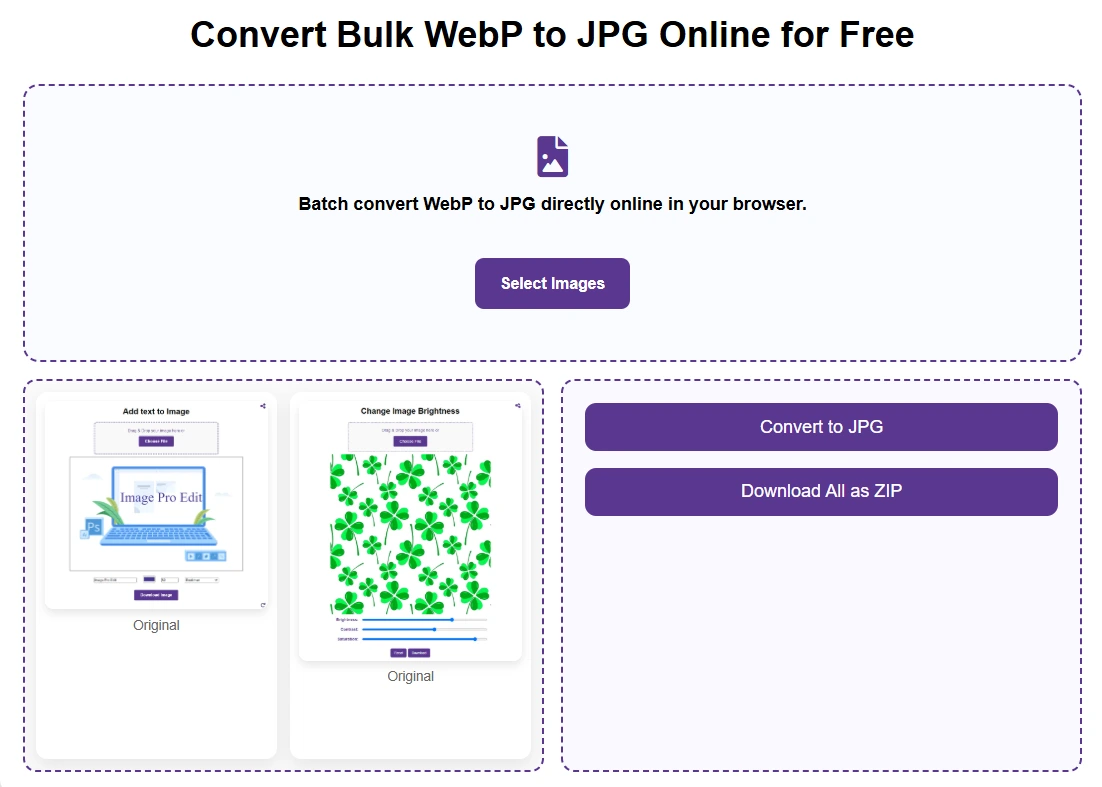
Using the ImageProEdit WebP to JPG converter requires no technical expertise and can be accomplished in under one minute, regardless of the number of images you want to change. The first step in using this online tool is to access the webpage for the ImageProEdit WebP to JPG converter in any modern browser on your desktop, laptop, or mobile device. Once the page is loaded, you will see an upload area in the center of the interface. You can either click the area to open a file selection dialog, or you can drag and drop WebP images directly from your desktop or file manager onto the converter. Both methods work equally well, and both support selecting multiple files at once for batch processing.
Each image file is converted one by one or in parallel according to your browser’s capacity, and you can see the progress status for each file. After all the conversion processes are finished, you can see a download option for each converted JPG file. If you have uploaded several files for conversion, you can either download each file separately or use the “Download All” option to receive all converted images in one ZIP package. The downloaded JPG pictures are regular high-quality pictures that can be opened in any application on any platform. No watermarks are added to any pictures, no information is removed from any image, and no quality is compromised beyond what the native JPEG image format can achieve at high output quality settings. The entire process, from opening the tool to having your JPG images ready to use after conversion and download, takes less than thirty seconds for ten photos.
Frequently Asked Questions
Is the WebP to JPG converter completely free to use?
Yes, ImageProEdit’s WebP to JPG converter is entirely free with no additional charges or subscription fees to use our service. You may convert any number of pictures you need without requiring registration or payment information. We are supporting our service through our other products and are offering it to you for free forever. We have no watermarks added to your converted photos, and you may convert any number of photos without any daily limits or requirements to upgrade to use any feature.
Does converting WebP to JPG reduce image quality?
There is a theoretical quality difference between the two formats, given that JPG is a lossy compression format, meaning that image data is discarded in the compression process. However, in the high quality output settings that our photo converter defaults to, the quality difference between the two formats is not perceptible to the naked eye under normal viewing conditions. That is, photos that are converted to JPG format under a quality setting of 90 or higher are essentially indistinguishable from the original WebP image when viewed on screen or printed at standard resolutions. The only situation in which quality loss is perceptible is if a very low compression quality is selected or if the original photo is already highly compressed in its WebP format.
Can I convert multiple WebP files to JPG at once?
Yes, we do support batch processing, and you can be assured that our converter will handle it perfectly. This means that you can upload, select, and even drag multiple WebP files into the converter at once, and it will proceed with the conversion of all of them, making them available for download one after another. As you can expect, there is the option of downloading all of the converted JPG files at once, which will be available for download as a ZIP package, making the batch processing as private as you can imagine, thanks to the fact that it takes place on your local browser only, regardless of the number of pictures you want to convert.
What is the maximum file size supported?
The main advantage with our file converter is that it works entirely in your web browser, meaning that the file size limit depends entirely upon your device’s available memory allocation rather than any arbitrary limit set by our server. For desktop computer browsers, it should be noted that most modern browsers have no problem handling WebP images up to at least several hundred megabytes in size. For larger files, such as high-resolution multi-layer pictures or unoptimized raster images, file handling may depend upon your device’s available RAM. However, for typical photographic photos in WebP format, even high-resolution photos should be well within any limit you are likely to encounter. The typical range for most WebP pictures available for download online ranges between 50 kilobytes and 5 megabytes.
Can I use this tool on my smartphone or tablet?
Yes, the ImageProEdit WebP to JPG converter is fully compatible with mobile browsers running on both Android and iOS platforms. The browser-based interface of the tool is designed to work well on small screen mobile devices, allowing you to choose the photo directly from your mobile phone's photo gallery or storage space. The conversion engine of the tool works in the mobile browser as it does in the desktop browser, utilizing the processor of your mobile phone to perform the conversion locally without requiring any uploads to the internet. The tool can thus be of great value to users who wish to convert the downloaded WebP photo on their mobile phone before attaching it to a document, sending it as a message, or submitting it through a mobile application that requires the photo to be in JPG format.
What should I do if I also need to convert my JPG images to PDF?
If you need to convert JPG pictures into a PDF document, such as a multi-page photo portfolio, a printable product catalog, or a document-ready image report, our website has a specialized JPG to PDF converter that can accomplish this conversion using the same upload-free architecture. We can also reverse this process using our PDF to JPG converter, which can extract each page of a PDF document and convert it into a high-quality JPG picture. All of our tools on ImageProEdit are completely free and require no registration, and they work entirely on your local browser for complete privacy protection.
Final Thoughts
The need to convert WebP images to JPG is not a temporary work around for a niche problem — it is an ongoing requirement that stems from the structural gap between how modern websites deliver photos and how the broader world of software, hardware, and services consumes them. WebP is excellent for web delivery and will likely continue to gain ground in that specific context. But JPG is and will remain the universal language of digital pictures for the foreseeable future, supported by every camera, printer, editing application, and communication tool in existence. Our free online WebP to JPG converter at ImageProEdit was built on the conviction that this conversion should be effortless, instantaneous, private, and completely free. No registration forms standing between you and your converted file. No watermarks degrading the output. No artificial restrictions on batch size or file count